Designed specifically for education environments, ActivPanel 9 enables customizable user profiles, allowing teachers to personalize settings and access them from any panel. The ActivePanel OS ensures smooth navigation, while the built-in security features safeguard all user data, giving peace of mind in shared classroom settings.
Included multi-touch support and precision pens enable a natural writing and drawing experience, including palm erase for seamless annotation. With robust collaboration tools and built-in teaching software, ActivPanel 9 transforms classrooms into interactive learning hubs.
Available in 65”, 75”, and 86”, the ActivPanel 9 offers flexibility for various classroom sizes and teaching needs.
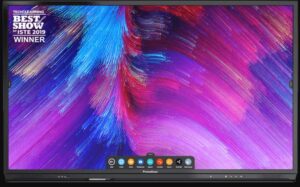 For rental options and managed touchscreen solutions, visit rentascreen.ie and screenfusion.ai.
Applications for Promethean ActivPanel
- Primary and Secondary Education
Empower teachers with interactive tools for dynamic lessons across all subjects. - Higher Education and Lecture Halls
Enhance collaboration and content sharing in colleges and universities. - Training Centers and Workshops
Deliver engaging, hands-on learning experiences in corporate or technical training environments. - Special Education Settings
Use multi-sensory tools to support inclusive and personalized instruction. - Hybrid and Remote Learning
Pair with cameras and digital platforms to support blended education models. - Library and Media Centers
Offer shared, secure learning stations for group projects and digital literacy programs.